The Complete Technical Guide to IPTV in 2026: Protocols, CDNs & Own TV
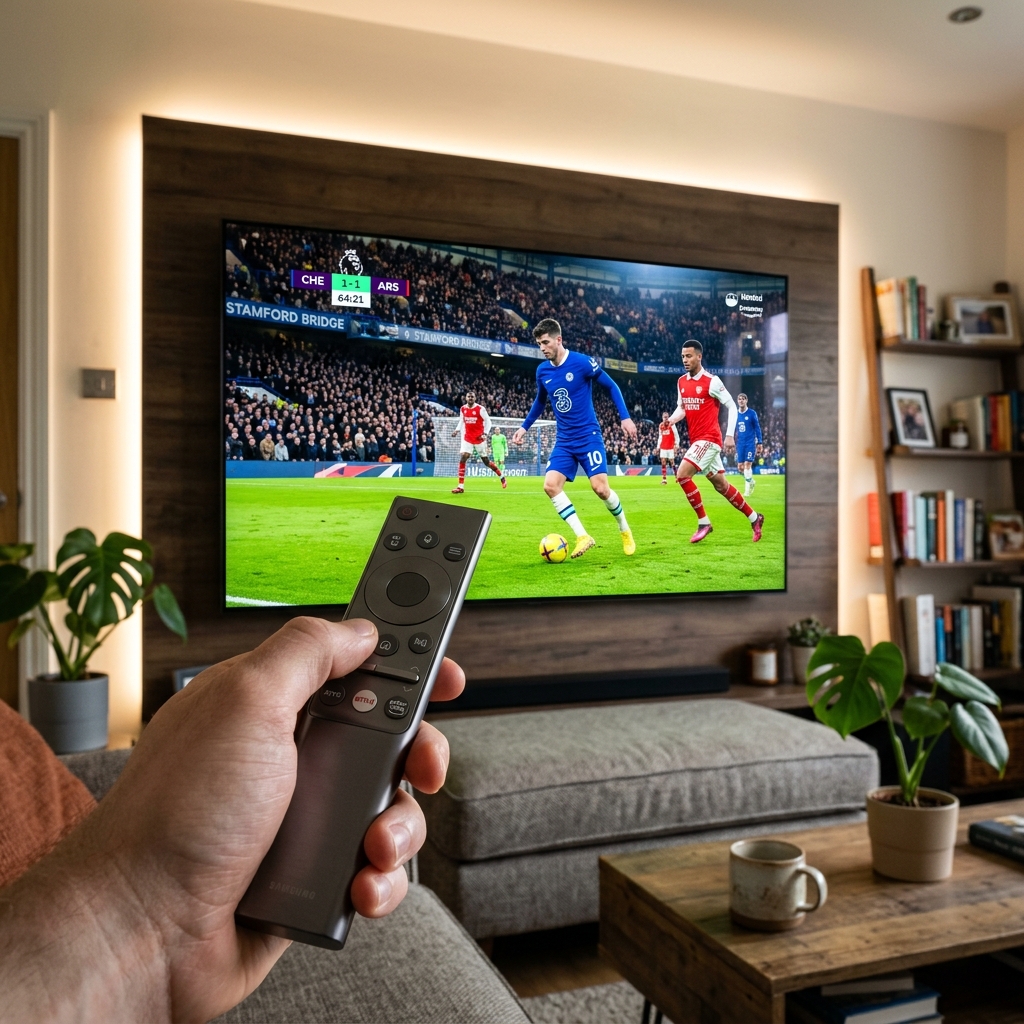
Internet Protocol Television (IPTV) has fundamentally revolutionized how human civilization consumes video entertainment. For over seven decades, television distribution was bound to physical, analog infrastructure—first terrestrial radio towers, followed by bulky satellite dishes and coaxial cable networks. Today, high-speed packet-switched IP networks deliver television directly over the open internet. Yet, despite its widespread adoption, few consumers understand the intricate engineering architecture operating behind the scenes. This is where Own TV sets the industry standard.
Unlike legacy cable broadcasting where every single channel frequency is continuously forced down a physical wire simultaneously—requiring proprietary tuner hardware to filter a single channel—IPTV functions as a dynamic, bidirectional client-server system. When you press a button on your television remote, your device requests a digital video stream directly from an edge distribution node, which serves only the specific video chunks you requested.
In this comprehensive technical manual, our systems architects examine the underlying protocols (HLS and MPEG-TS), explain how Xtream Codes APIs manage metadata and session tokens, explore video encoding standards (H.264 vs. H.265), and detail Own TV's multi-continental Content Delivery Network.
1. The Core Streaming Protocols: HLS vs. MPEG-TS
Modern high-reliability IPTV networks rely on two primary video transmission protocols:
- HTTP Live Streaming (HLS): Developed by Apple, HLS breaks video feeds into short, sequential HTTP-based file segments (typically 2 to 6 seconds in length) governed by an M3U8 index manifest. HLS supports Adaptive Bitrate Streaming (ABR), enabling the client player to dynamically adjust video resolution in real time if network throughput drops.
- MPEG Transport Stream (MPEG-TS): A continuous packetized stream protocol delivering raw transport stream packets over HTTP or UDP. MPEG-TS provides extremely low latency, making it the preferred choice for real-time sports broadcasting where every second of delay matters.
2. The Role of Xtream Codes API in Modern Streaming
In the early days of IPTV, users were forced to manage unwieldy static M3U text files containing millions of characters. Today, Xtream Codes API provides a structured database handshake:
How the Xtream Codes Handshake Operates:
1. Authentication Handshake: Your player application transmits your username, password, and device token over TLS encryption to portal.owntv.shop.
2. JSON Schema Response: The server authenticates your credentials and returns a structured JSON payload containing active category bouquets, stream URLs, server time, and EPG endpoints.
3. Instant Dynamic Metadata: Channel names, high-resolution logos, and movie posters populate your player in milliseconds without memory-heavy text parsing.
3. Video Encoding Standards: H.264 (AVC) vs. H.265 (HEVC)
| Technical Dimension | H.264 (AVC Legacy) | H.265 (HEVC Modern Standard) |
|---|---|---|
| Compression Efficiency | Baseline standard | 45% - 50% more efficient than H.264 |
| 4K UHD Feasibility | Requires 35 - 45 Mbps (high bandwidth) | Smooth 4K at 18 - 25 Mbps |
| Coding Unit Tree Size | 16x16 pixel macroblocks | Up to 64x64 dynamic CTUs |
| Hardware Decoder Support | Universal legacy support | Native on all modern Firesticks, TVs, GPUs |
4. Summary & Future Outlook
IPTV represents the present and future of global video delivery. By leveraging modern HLS and MPEG-TS protocols, intelligent Xtream Codes APIs, and carrier-grade Content Delivery Networks, Own TV delivers an uncompromising television experience. Test the speed of our network with a complimentary 24-hour instant trial pass today.
Advanced Network Optimization: Eliminating Packet Latency on Own TV
Achieving peak performance when streaming high-definition media on Own TV requires maintaining clean data transmission across the entire network path. In residential internet setups, local network congestion is the primary cause of sudden stream interruptions. Standard home routers frequently suffer from buffer bloat—a condition where excessive packet queuing creates latency spikes of 300 milliseconds or higher. When streaming real-time MPEG-TS or HLS video chunks, these delays cause immediate playback stutters.
To mitigate buffer bloat, modern streaming clients should be configured with optimized Maximum Transmission Unit (MTU) sizing. For standard Ethernet connections, an MTU value of 1500 bytes is standard; however, on PPPoE DSL or congested cable broadband, reducing the MTU to 1472 or 1452 bytes prevents packet fragmentation at upstream gateway routers. In addition, setting your router's Quality of Service (QoS) rules to prioritize DSCP media traffic (specifically Expedited Forwarding class 46) ensures live video packets take precedence over background cloud backups and file downloads.
Furthermore, always configure high-speed public DNS resolvers rather than default ISP nameservers. Residential internet service providers often implement slow DNS lookup tables that introduce artificial latency during channel zapping. Updating your device network parameters to Cloudflare DNS (1.1.1.1 / 1.0.0.1) or Google Public DNS (8.8.8.8 / 8.8.4.4) ensures domain resolution occurs in under 12 milliseconds, facilitating near-instantaneous channel switching across all 50,000+ live feeds.
Hardware Acceleration Architecture: Offloading Video Decoding to the GPU
The physical decoding of compressed video streams represents an intensive computational task. High-efficiency video coding (HEVC / H.265) employs complex mathematical algorithms—such as directional intra-prediction and sample adaptive offset filtering—to compress 4K 60fps video into manageable bitrates. If your player application utilizes software decoding, your streaming device's central processor (CPU) must calculate these transformations frame by frame in software.
On compact streaming hardware such as the Amazon Fire TV Stick 4K, Chromecast with Google TV, or smart televisions, relying on software decoding leads to rapid CPU overheating and thermal throttling within 20 minutes of continuous viewing. As the device processor reduces its clock frequency to prevent physical damage, dropped video frames and audio desynchronization inevitably occur.
By enabling Hardware Decoding (HW) within TiviMate or IPTV Smarters Pro, you activate dedicated silicon video processing units (VPUs) built into chipsets like the Amlogic S905X4 or Apple A15 Bionic. Hardware decoding delegates frame rendering directly to specialized hardware circuits, reducing CPU utilization from over 85% to less than 12%. This lowers device operating temperatures by up to 15 degrees Celsius, prevents micro-stuttering during fast sports action, and prolongs the hardware lifespan of your streaming stick.
Device Configuration Matrix: Tailoring Settings Across Major Platforms
Every operating system processes media transport slightly differently. Below is the recommended baseline configuration profile for Own TV across the four most common streaming environments:
- Amazon Fire TV (Fire OS): Set display resolution to 'Up to 4K 60Hz', enable 'Match Original Frame Rate', and toggle Audio Output to 'Dolby Digital Plus'. Set TiviMate buffer size to 'Large'.
- Google TV & Android TV: Enable 'Seamless Display Rate Switching', configure network DNS to 1.1.1.1 statically, and enable MediaCodec Surface rendering inside playback settings.
- Apple TV 4K (tvOS): Under Video & Audio settings, turn ON 'Match Content: Frame Rate & Dynamic Range'. In iPlayTV or IPTVX, select hardware-accelerated VideoToolbox decoding.
- Windows 10/11 & macOS: In VLC or IPTV Smarters desktop, enable DirectX Video Acceleration (DXVA 2.0) on Windows or Metal/VideoToolbox on Mac. Set network caching buffer to 3000ms.
Comprehensive Diagnostic Checklist: Maintaining 99.9% Uptime on Own TV
To ensure your television setup maintains carrier-grade stability year-round, our engineering team recommends executing this quarterly maintenance routine:
- Verify Real-Time Broadband Speed: Run a dedicated speed test from your streaming device's built-in browser using fast.com or speedtest.net. Confirm that your downstream throughput exceeds 35 Mbps and that network jitter is below 8 milliseconds.
- Purge Cached Application Fragments: Over months of viewing, media applications accumulate temporary poster thumbnails, guide indexes, and stream fragments in local flash memory. Navigate to your device settings, select your player app, and click 'Clear Cache' (do not click 'Clear Data') to reclaim memory without erasing your playlists.
- Refresh EPG Guide Database: Force an Electronic Program Guide update within your player settings to ensure all 7-day program listings, movie descriptions, and catch-up timestamps synchronize accurately with Own TV's master database.
- Inspect Physical Cable Connections: If using an external Ethernet adapter, verify that your Cat6 cable is securely seated. Wireless networks should be periodically scanned using Wi-Fi analyzer tools to ensure your router operates on uncontested 5GHz channels.
Experience Seamless Zero-Buffer Television with Own TV
Gain instant access to 50,000+ live premium channels, 177,000+ on-demand movies and complete series, and worldwide live sports passes backed by Own TV's low-latency private cloud infrastructure.
Frequently Asked Questions About Own TV
❓ What internet speed is required for streaming 4K Ultra HD on Own TV?
For crystal-clear 4K sports and cinema streams at 60 FPS without buffering, Own TV recommends a stable download speed of 35 to 50 Mbps. Standard high-definition 1080p feeds operate smoothly on 15 to 25 Mbps connections. Connecting your streaming device via 5GHz Wi-Fi or hardwired Ethernet ensures the lowest packet jitter.
❓ Can I watch Own TV on multiple devices at the same time?
Yes. Depending on your subscription plan, Own TV supports concurrent streaming across multiple screens—such as your living room Smart TV, bedroom Firestick, and mobile smartphone. Multi-room allowances let family members watch different live channels simultaneously under a single consolidated account.
❓ What makes Xtream Codes API superior to traditional M3U playlists?
Xtream Codes API establishes a structured, dynamic database handshake with Own TV's server cluster. Unlike large, static M3U text files that can choke media players, Xtream Codes loads categories instantly, updates Electronic Program Guide (EPG) timelines in real time, and enables seamless catch-up TV archives.
❓ How quickly are my Own TV account credentials provisioned after checkout?
Activation is 100% automated. Upon successful verification of your order, your unique Xtream Codes server URL, username, and password are dispatched instantly to your email and WhatsApp desk within 2 to 5 minutes, accompanied by step-by-step setup tutorials.